Create Fixed Price in 4 easy steps

SELLER DASHBOARD

Step 1

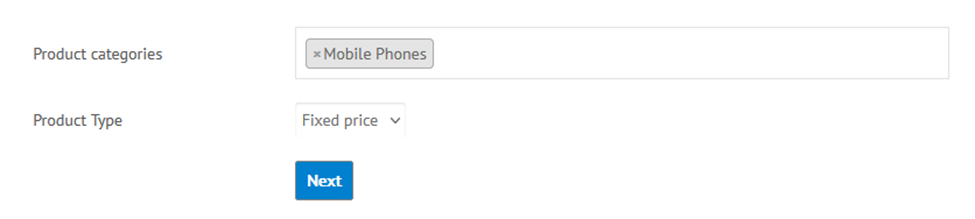
Select your Category & Product Type should be Fixed price.
Step 2

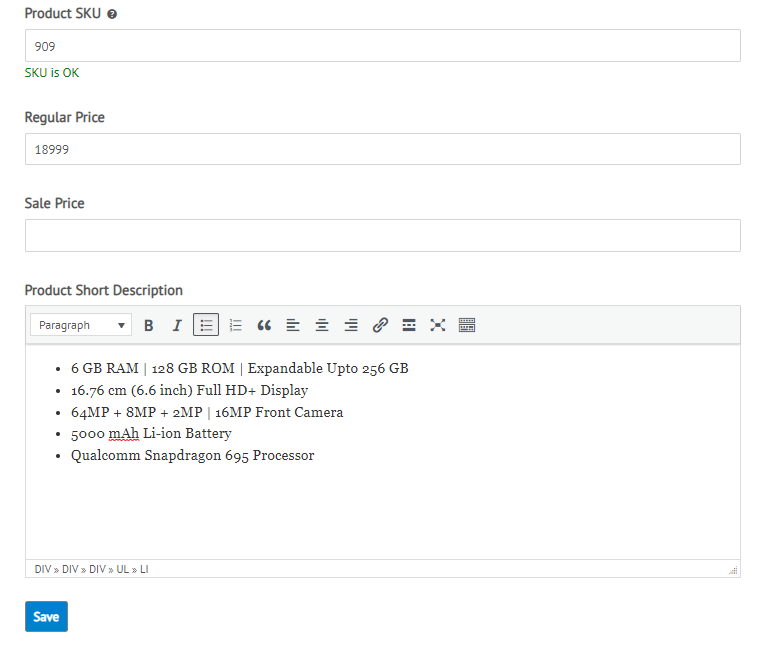
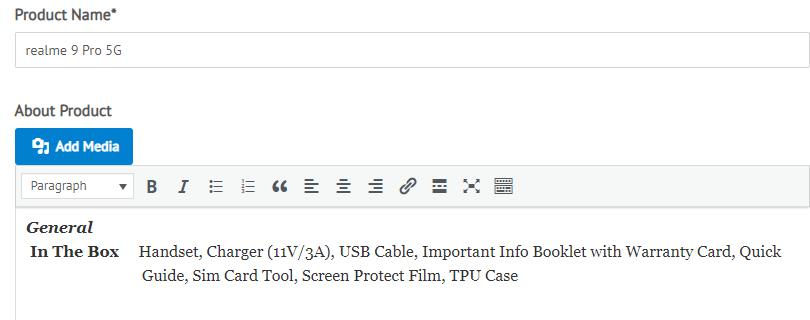
Enter Product Name, Description, Price, Image & Save.
Step 3

Edit newly Created Fixed Price. Select Inventory and Enter Stock Quantity and Update.
Step 4

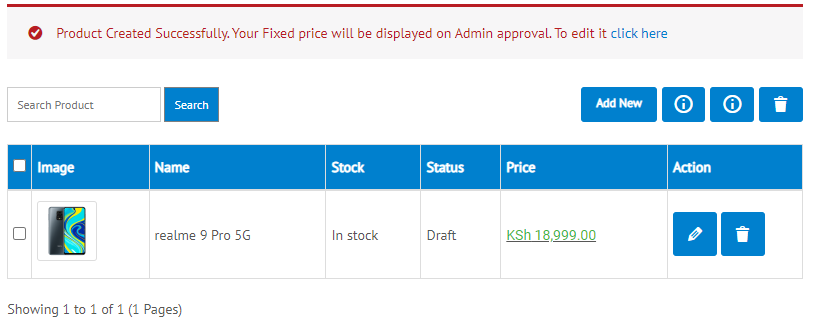
Confirmation will be displayed.
Your Fixed price will be displayed on Admin approval.

Close ✕

Price

Categories

  •  (3)
  •  (1)
  •  (2)
    •  (1)
  •  (1)
  •  (1)
  •  (1)
    •  (1)
  •  (2)
  •  (1)
  •  (1)
  •  (1)
  •  (3)
    •  (2)
    •  (1)
  •  (1)
  •  (2)
    •  (1)
  •  (1)
  •  (1)
  •  (1)
  •  (1)
  •  (3)
  •  (1)
  •  (4)
    •  (4)
  •  (2)
  •  (5)
    •  (3)
    •  (2)
Show value(s)

Product Tags

  •  (5)
  •  (5)
  •  (8)

Published Date