


Create Template for classified Product.
Step 1
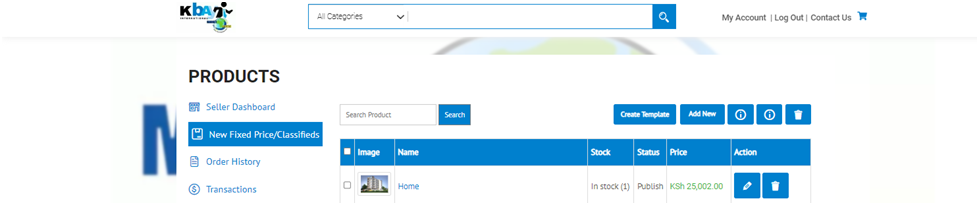
Click on Create Template under New Fixed Price/Classifieds screen.
Step 2
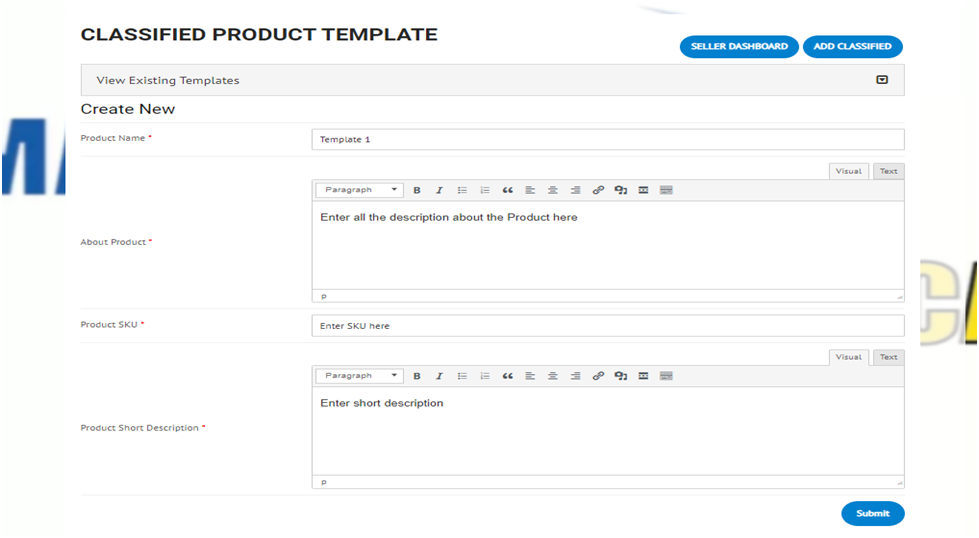
2. Enter Product Name, add About Product, Product SKU, Product Short Description and click on submit.
Step 3
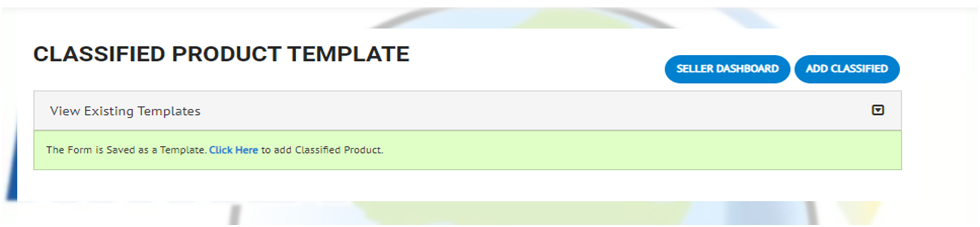
On submit your template for classifiedis created.
Add Classified Product
Step 1
On submit your template for classifiedis created.

Step 2
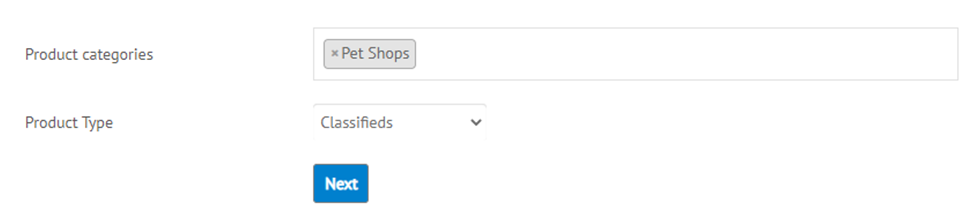
Select your category but remember your product type should be Classifieds.
Step 3
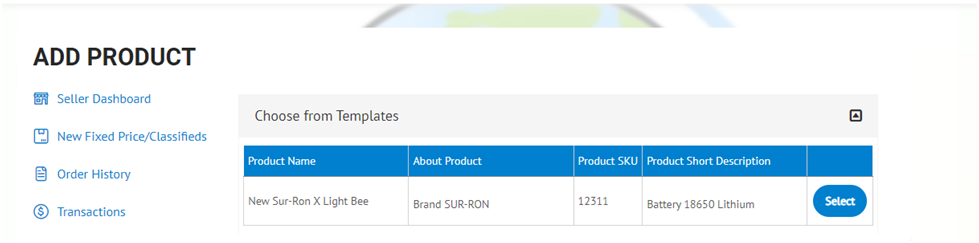
If you wish to use your classified templates, you can select from below screen and continue to make changes before saving it.
Step 4
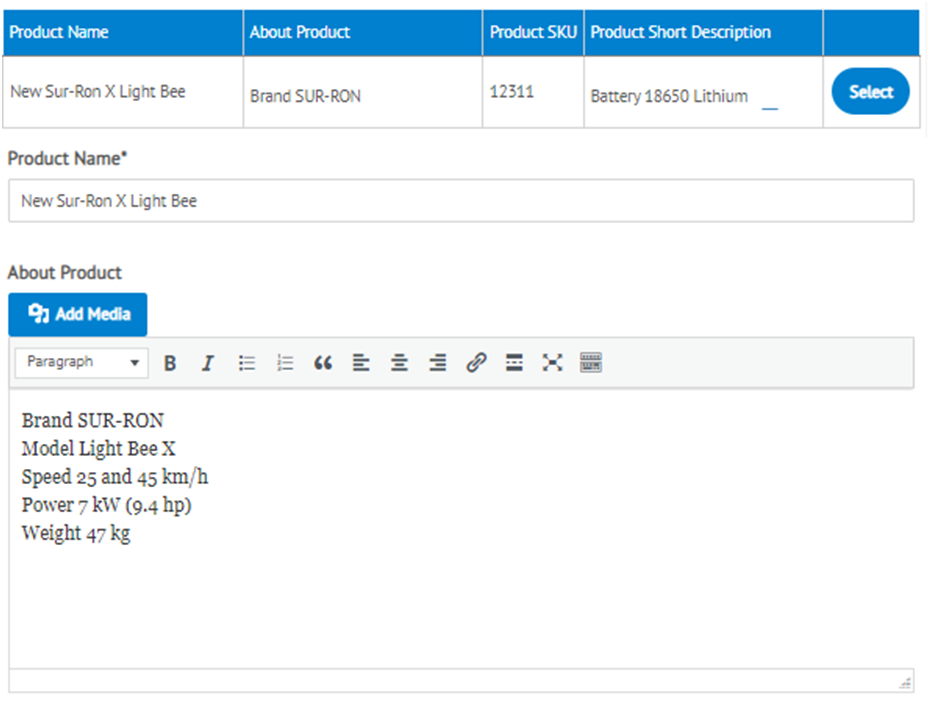
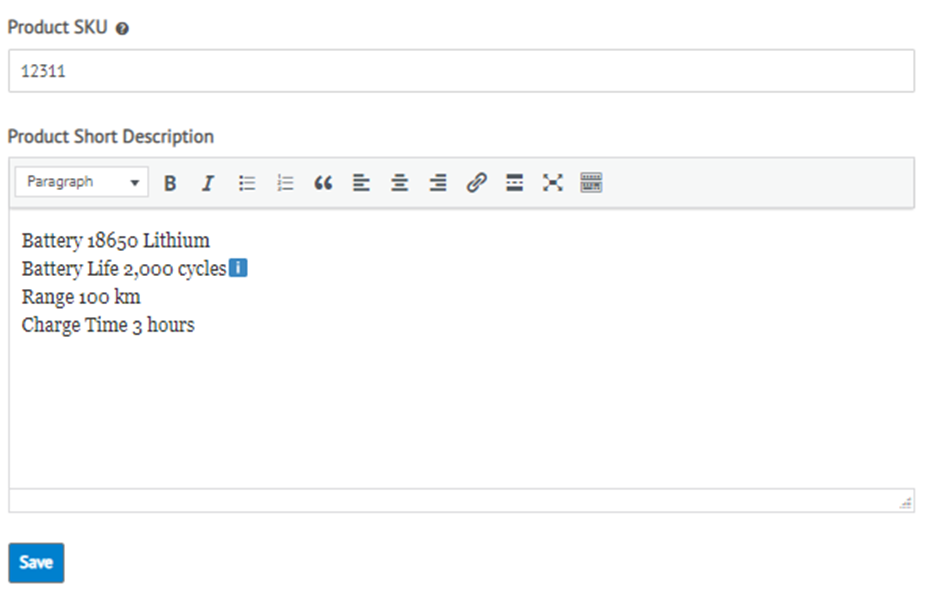
Update changes for Name, About Product, Product Thumbnail and other details.Click on save.
Step 5
Confirmation will be displayed. Your Classified will be displayed afterapproval from Admin.



